APN Settings download for android 10 (Quince Tart)
APK file APN Settings 7.35 compatible with Android 10How to install APK / APKS / OBB file on Android


An APN stands for "Access Point Name". It is a gateway name which connects mobile network [which can be GPRS/2G/3G] to the another computer network on public internet.
APN Settings is the application that has the list of most of the "APN Settings" across the globe; covering many major mobile operators. Some of the key features of the application include:
Features
1. List of APN Settings by country name and type of APN
2. Ability to search the APN Setting - Operator Name
3. Ability to APN Setting as a favorite and share socially OR with different applications using a context menu
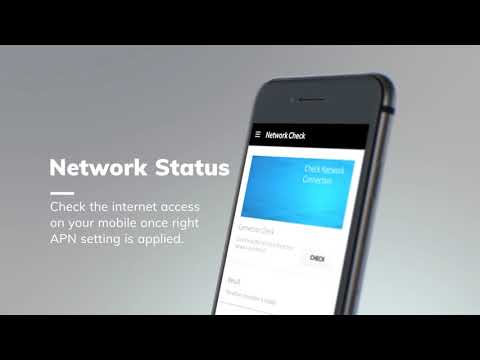
4. Check the current Network Status
5. Auto search the APN settings for installed SIM card
6. Report the new APN Settings to our team
7. Widget to monitor the data usage
For adding "New APN Settings" in the app please use below link:
http://apnsettings.natureweb.net
- New APN Settings
- New Countries
- LicenseFree
- File nameAPN Settings
- File Version7.35
- Package namenet.thenatureweb.apnsettings
- Size16.23 MB
- UploadedNovember 27, 2025
- Android5.1 or later
- CategoryTools
- DeveloperNATURE WEB
- Developer site
- Developer emailcontact@thenatureweb.net
- md5 hashf76fd6e1cdc182400f0e01d93ae4b2d1
- Architecture-
- Permissionsshow (15)